Reading the window
What every number on the RadBeeper window means, feature by feature.
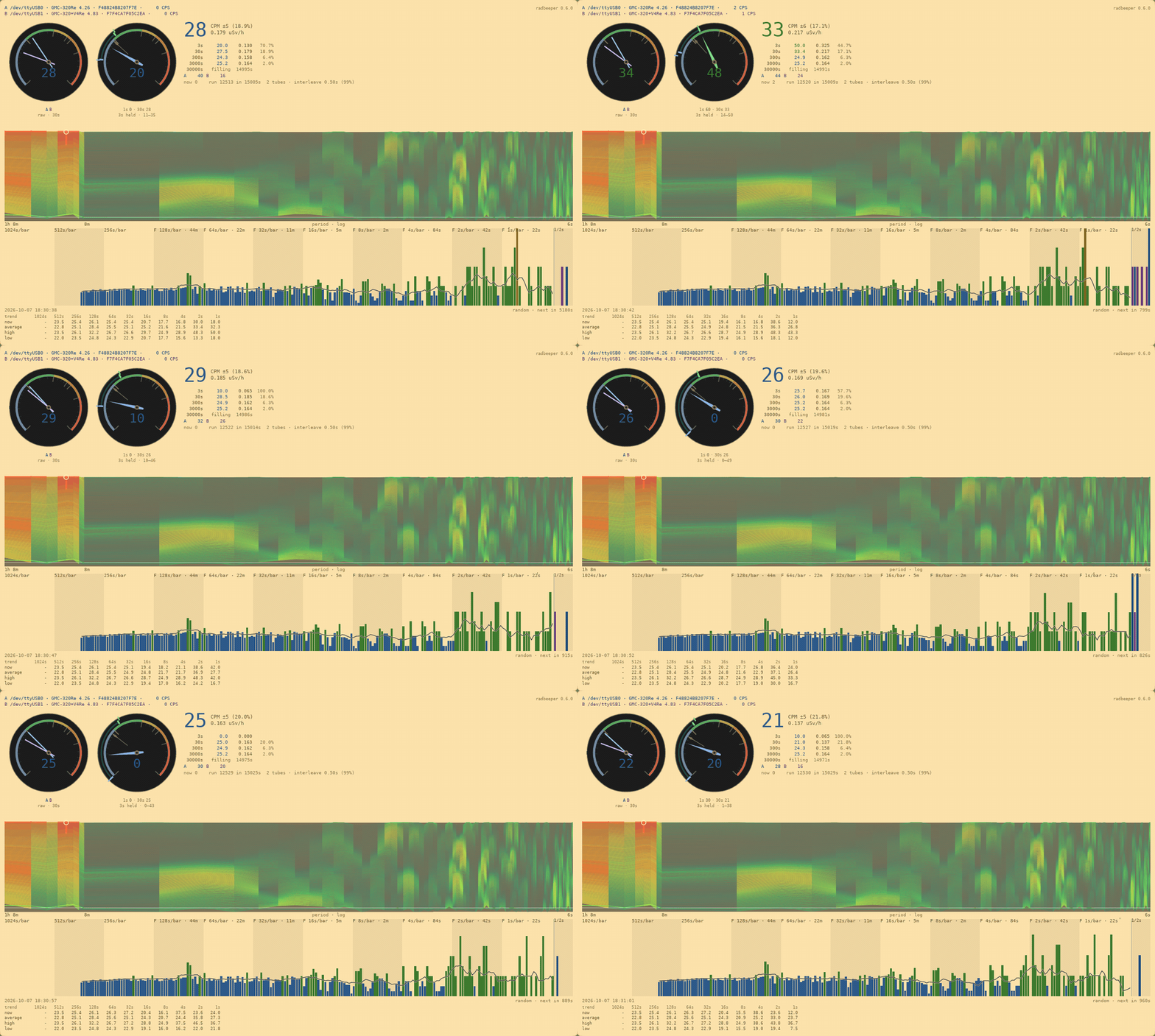
The window is radbeeper-gui. It opens no serial port; it reads the same stream the service publishes, so what it shows is what the log has. From the top down, one page each:
- The counters and the dials — which counters are connected, what each counted last second, and the bands on the dials
- The big number and the five averages — the same reading over five windows, and how well each window knows its number
- The status line — this second's count, the run so far, and how two counters share the second
- The drum spectrogram, read as a landscape — height, tint and brightness: the striped panel as a relief map, and the paper filling from empty
- The counts — a bar a second, older bars packed coarser, the trend line and the pointer
- The random line — the newest bits drawn from decay timing, and which counter earned them
- The table — the trend line in numbers, and where the table goes in a small window
The window follows the desktop's light or dark theme, and fits whatever space it is given: in a small window the table goes first and the charts last.